
What Is Schoology Alfa, Really?
If you’ve searched “Schoology Alfa” and landed on five different blog posts calling it a “game-changing new LMS,” you’re not alone. But here’s the truth: Schoology Alfa isn’t a separate software product at all.
It’s the Schoology learning management system, customized and deployed for Alfa Fundación, a nonprofit educational organization based in Monterrey, Mexico. That’s it. No secret new platform, no 2026 tech launch — just a school portal with a specific name attached to it.
Understanding this matters because it changes how you should actually use the search results you’re finding.
Who Is Alfa Fundación?
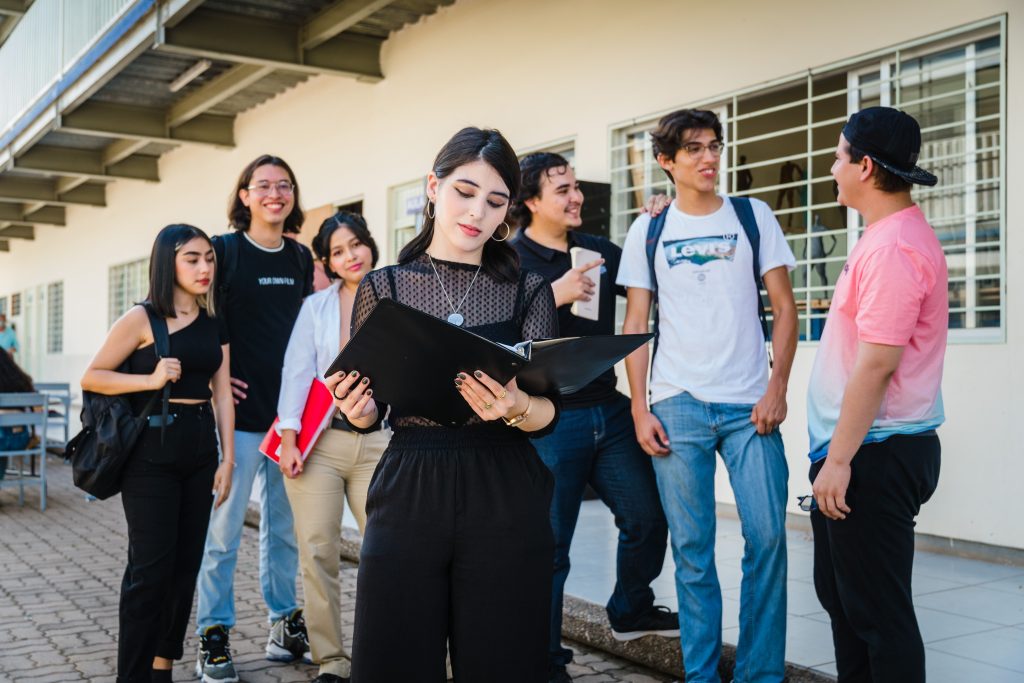
Alfa Fundación runs an educational project focused on social mobility. It identifies students with high intellectual potential from public schools in the Monterrey metropolitan area and gives them access to rigorous academic opportunities they might not otherwise reach.
Their program brings together students, parents, and teachers in a shared community. And Schoology is the digital backbone that holds it together — the place where coursework, grades, assignments, and communication all happen.
How Schoology (the Actual Platform) Works

Schoology itself is a legitimate, well-established learning management system owned by PowerSchool. It’s used by school districts across the U.S. and internationally, not just by Alfa Fundación.
At its core, Schoology lets teachers:
- Build and organize course content into modules
- Post assignments, quizzes, and grading rubrics
- Communicate with students and parents through built-in messaging
- Track attendance and generate performance reports
Students, meanwhile, log into a personalized dashboard where they can see upcoming work, submit assignments, and check grades — all without needing separate apps for each class.
Because Alfa Fundación uses Schoology, their portal is hosted at a custom subdomain (alfafundacion.schoology.com), which is likely why people search “Schoology Alfa” as if it were its own brand.
Why the Confusion Exists
Here’s an honest observation: a lot of what comes up when you search this term is content-farm material — generic articles praising “Alfa Schoology’s intuitive dashboard” and “smart course management” without ever naming Alfa Fundación or explaining the actual relationship.
That’s a pattern worth being aware of. When institution-specific portals get search volume, low-quality sites sometimes generate filler content around the keyword without doing the basic research. It’s a good reminder to check the source before trusting an LMS explainer — especially one asking for your login credentials.
How to Actually Log In
If you’re a student, parent, or teacher connected to Alfa Fundación, access typically works like this:
- Go to your institution’s official Schoology subdomain (provided directly by Alfa Fundación — not a random third-party site).
- Sign in with your school-issued credentials or single sign-on (Google/Microsoft, if enabled).
- Land on your dashboard, showing active courses, assignments, and announcements.
If you can’t remember your subdomain or password, contact Alfa Fundación’s administrative team directly rather than searching generic “Schoology Alfa login” pages, which may not be official.
The Bigger Picture: LMS Platforms in 2026
This kind of institution-branded LMS setup is common. Schools rarely build software from scratch — they license a platform like Schoology, Canvas, or Google Classroom and configure it around their own identity.
As of 2026, this trend has only grown. Hybrid and remote learning normalized the expectation that every school needs a centralized digital hub, and vendors like PowerSchool have made customization easy enough that smaller nonprofits and foundations, not just large districts, can run their own branded instance.
So when you see “[Institution Name] + Schoology,” you’re almost always looking at exactly that pattern.
Final Thoughts
Schoology Alfa isn’t a mysterious new ed-tech product — it’s Alfa Fundación’s implementation of the well-known Schoology LMS. Knowing that helps you skip the padded explainer articles and go straight to what matters: logging in, finding your coursework, and getting support from the right people if something goes wrong.
FAQs
Is Schoology Alfa a different app from Schoology?
No. It’s the same Schoology platform, just configured for Alfa Fundación’s students and staff.
Who can use Schoology Alfa?
Students, parents, and teachers connected to Alfa Fundación’s educational program in Monterrey.
Where do I log in to Schoology Alfa?
Through the official subdomain provided by Alfa Fundación — avoid unofficial third-party pages claiming to be login portals.
Can other schools have their own “Schoology [Name]” too?
Yes. Many institutions customize Schoology with their own branding, so you’ll see similar naming patterns elsewhere.
What should I do if I forgot my password?
Contact your school or Alfa Fundación’s administrative office directly rather than using password-reset links from unofficial sites.