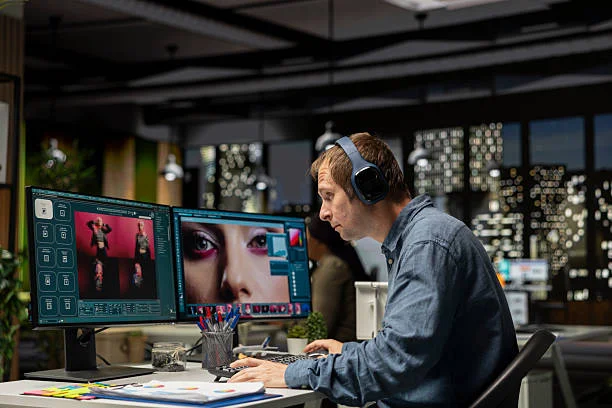
A lot of image editing does not begin with a grand creative vision. It begins with a small problem. The photo is usable, but not quite clean enough. The product shot looks fine, but the background pulls attention away. The portrait has the right expression, but the style does not fit the final use. That is the context in which AI Photo Editor makes sense. It is built around a simpler promise than traditional editing software: start with the image you already have, choose the kind of change you want, explain it in natural language, and get a revised version without going through a long manual process.
That kind of shortcut matters because most people do not want to become full-time image editors just to improve a few visuals. They want a faster way to fix, refresh, and reuse images. In my observation, the most helpful AI tools are often not the ones that sound the most futuristic. They are the ones that make ordinary tasks feel lighter. PicEditor seems to fit that category.
Why Image Editing Often Feels Harder Than It Should
Traditional editing software is powerful, but it often asks users to think like technicians. Even a simple change may involve several steps, and that can make small tasks feel larger than they are.
For example, removing a distracting object, changing a background, or sharpening an image sounds simple in conversation. But in older workflows, those jobs can involve selections, cleanup work, manual correction, and repeated adjustments. That gap between a simple request and a complicated process is where friction begins.
PicEditor appears to reduce that friction by changing the editing model itself. It does not center the experience on menus first. It centers it on the user’s goal.
The Main Idea Behind the Platform
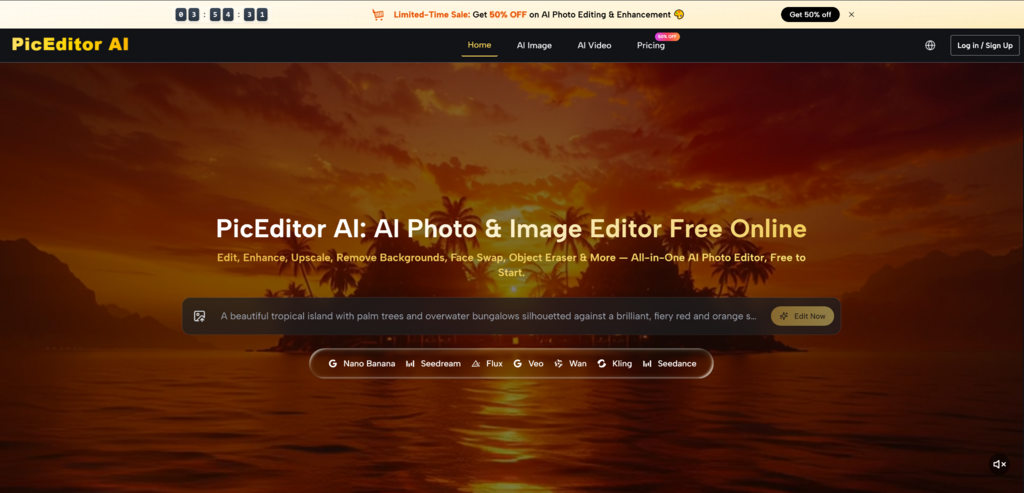
From the way the site presents itself, PicEditor AI is less about traditional hands-on editing and more about guided AI transformation. It brings together multiple editing functions in one online space and lets users interact through a short prompt-based workflow.
That design choice matters because many users are not trying to control every pixel directly. They are trying to reach a usable result quickly. The platform seems built for that kind of practical outcome.
What The Official Workflow Looks Like
The public process described by the site is short and easy to follow. That simplicity is part of its appeal.
Upload a Photo to Begin
The first step is to upload the image. This tells us something important about the product. It is not framed only as a generator. It is framed as a tool for working with a visual asset that already exists.
That is useful because real projects often begin with existing materials. A team may already have product photos. A creator may already have portraits. A business may already have campaign images that need to be adapted rather than replaced.
Select the Right Editing Function
Once the image is uploaded, the user chooses a function. The platform publicly shows tools such as image enhancement, object removal, style transfer, background editing, upscaling, and photo animation.
This step makes the platform easier to use because it breaks editing into recognizable needs. A person does not have to guess what the system is best at. They first identify the type of change.
Write the Change You Want
The next step is prompt input. The user describes the desired result in text. In everyday use, this may be one of the strongest parts of the product. Many people are better at explaining what they want than performing technical editing steps.
That does not mean the prompt can be careless. In my testing of tools in this category, clarity usually helps a lot. But the platform still lowers the barrier by letting people communicate visually in words instead of in manual software actions.
Let the System Process the Image
After that, the system analyzes the uploaded image and generates the edit. This is where the workflow shifts from instruction to interpretation. The platform applies AI processing based on both the original image and the user’s description.
Why This Feels More Useful Than a Single Tool
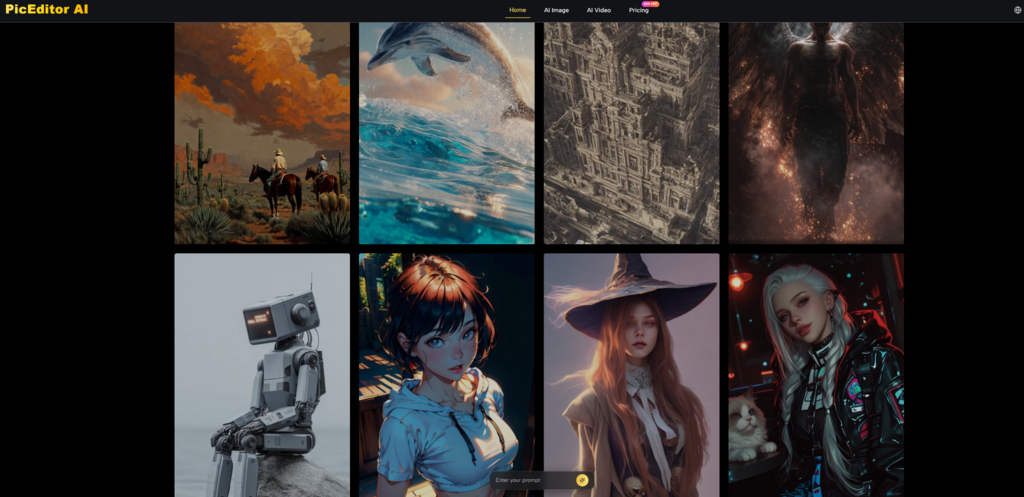
A common problem with online AI products is that they only solve one narrow issue. PicEditor looks broader than that. It is presented as an all-in-one image and photo editor that includes multiple kinds of tasks in one environment.
That matters because real creative work is rarely limited to one kind of problem. A user might start by enhancing a blurry image, then decide to remove an object, then explore a style variation. If each step requires a new tool, the workflow becomes messy. If one platform handles several related tasks, the process becomes easier to manage.
The site also extends beyond static editing by including image-to-video functions. That changes the meaning of an uploaded image. Photo Editor can move from being a corrected visual to being a reusable content source for motion output as well.
How The Model Mix Helps the Experience
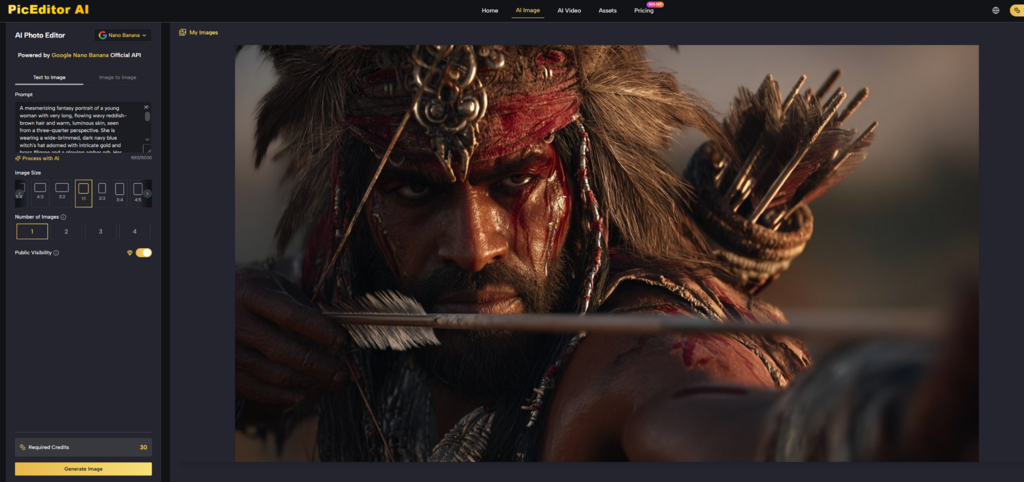
The site highlights several models, including Nano Banana, Nano Banana 2, Seedream, Flux, and Veo. For an ordinary user, the names matter less than the practical idea behind them: different engines are available for different kinds of creative work.
Nano Banana for Detailed Visual Work
Nano Banana is publicly described around realism, advanced understanding, style transfer, and strong reference support. The reference-image feature is especially useful because it suggests the platform can preserve identity or visual direction instead of drifting too far from the original intention.
For portrait edits, character-focused images, or brand-consistent visual work, that kind of consistency can matter more than dramatic novelty.
Seedream for Quick Turnaround
Seedream appears to emphasize speed. That sounds simple, but speed changes behavior. When users can test ideas quickly, they are more likely to explore variations instead of settling too early.
In practical creative work, that can lead to better decisions, not just faster ones.
Flux for More Precise Control
Flux is positioned around stronger control for editing tasks. Some requests need that. Users may want a change that is specific rather than broad. Replace one item. keep the rest. update the text. preserve the context. Tools that support narrower edits often feel more dependable in those situations.
Veo for Motion-Based Reuse
Veo is the part that expands the platform beyond image correction. It supports turning still visuals into motion outputs. For marketers and creators, that can be useful because one approved image may be repurposed into more than one content format.
What Kind of Users May Benefit Most
The platform seems best suited to people who already have images and want to improve or repurpose them without a long learning curve.
A small business might use it to clean product photos. A creator might use it to test different visual styles from one portrait. A marketing team might enhance an image for one use and later animate it for another. In all of Photo Editor cases, the benefit is not only generation quality. It is reduced effort between idea and execution.
That is an important distinction. Many users are not looking for infinite creative possibility. They are looking for a practical workflow that helps them finish work faster.
Which Public Features Matter Most in Practice
The easiest way to understand the product is to look at its public strengths in simple terms.
| Platform Trait | Publicly Presented Strength | Practical Meaning |
| Workflow length | Short upload-to-edit flow | Easy to start quickly |
| Tool coverage | Multiple image functions in one place | Less tool switching |
| Interaction method | Natural-language prompt editing | More accessible for non-experts |
| Reference handling | Multi-reference support on selected models | Better visual consistency |
| Image quality tools | Enhancement and upscaling options | Useful for asset cleanup |
| Content expansion | Photo-to-video capability | More reuse from one image |
| Pricing entry | Free to start | Easier to test without pressure |
What Users Should Not Ignore
A believable review needs to say where limits still exist. Photo Editor may simplify the process, but it does not remove the normal realities of AI editing.
Better Instructions Usually Produce Better Outputs
The tool may feel easy to use, but input quality still matters. If the request is too broad or unclear, the result may miss the user’s intent. A short prompt can work, but a thoughtful prompt often works better.
Some Results Improve After Revision
The first generated version may be good, but not always final. Sometimes one more attempt gives a cleaner or more convincing result. That is common in AI-assisted editing and should be treated as normal rather than surprising.
Human Judgment Still Finishes the Job
This is worth keeping in mind because it makes expectations healthier. Photo Editor can speed up the path to a strong image, but it still helps to review outputs carefully. The user remains the final editor, even when the system does most of the heavy lifting.
Why This Platform Feels Easy to Understand
Some AI products sound powerful but feel vague once you try to explain what they actually do. PicEditor is easier to understand because its structure is concrete. It is about starting with an image, choosing a task, writing a request, and getting a result.
That clarity is valuable on its own. It makes the platform approachable for people who want useful edits without entering a long technical process. In my view, that is the strongest argument for the product. It does not just offer AI image editing. It organizes that editing into a simple, realistic workflow that matches the way many people actually work today.
For users who care more about finishing visual tasks than mastering editing software, that makes Photo Editor feel practical. It turns image editing into a more direct conversation between the user’s intent and the final image, which is often exactly what everyday creative work needs.
Master the next step: See how this related insight completes your digital flow.